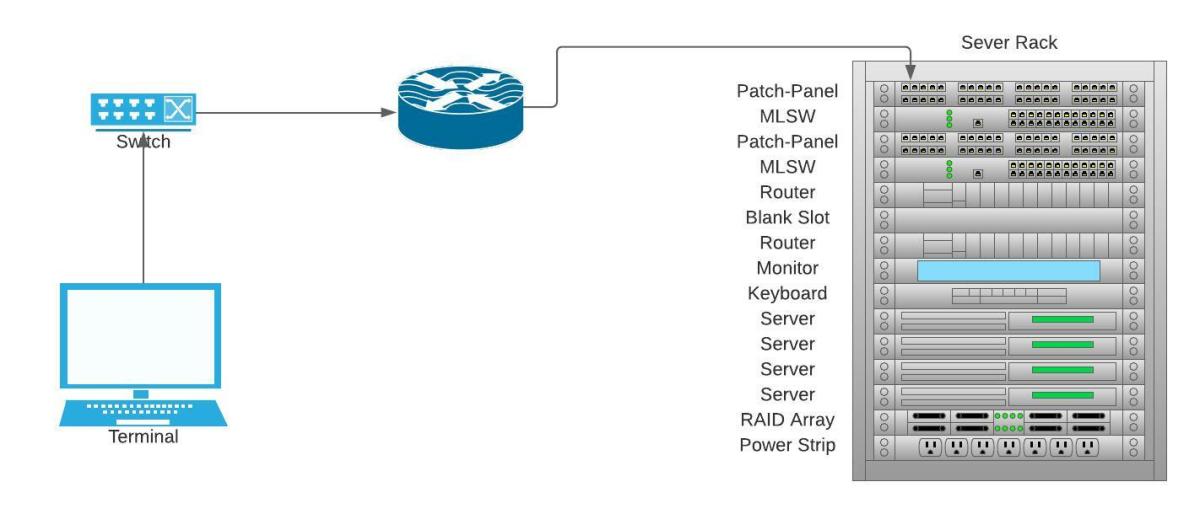
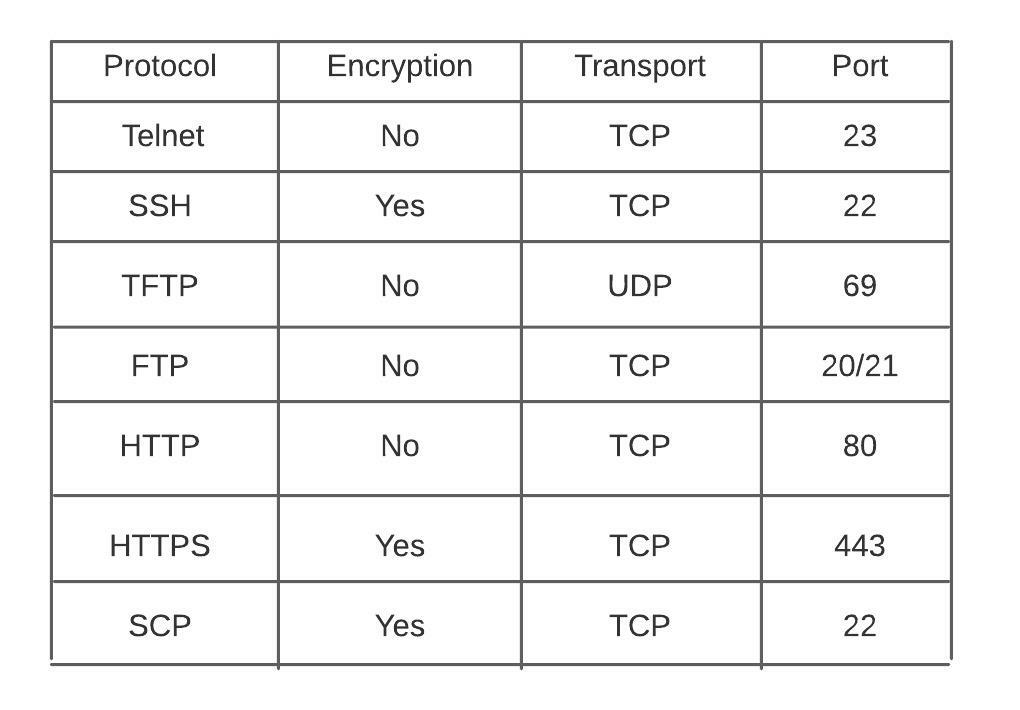
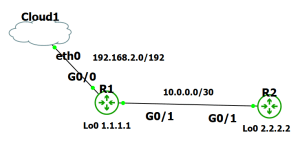
There are multiple protocols for device management on the Cisco platform. There is even a protocol for transferring images through the console cable (xmodem). In this post we will go over examples of utilizing these protocols. The goal is to understand our options when we want to access or transfer files to or from our devices. I will be using my usual setup of GNS3 with a connection to my network.
Telnet
Telnet utility allows users to test connectivity to remote machines and issue commands through the use of a keyboard.
It can be used to test open TCP ports on a device.
It requires a password be set on the line to login.
All communication is in clear text.
telnet towel.blinkenlights.nl <– found this

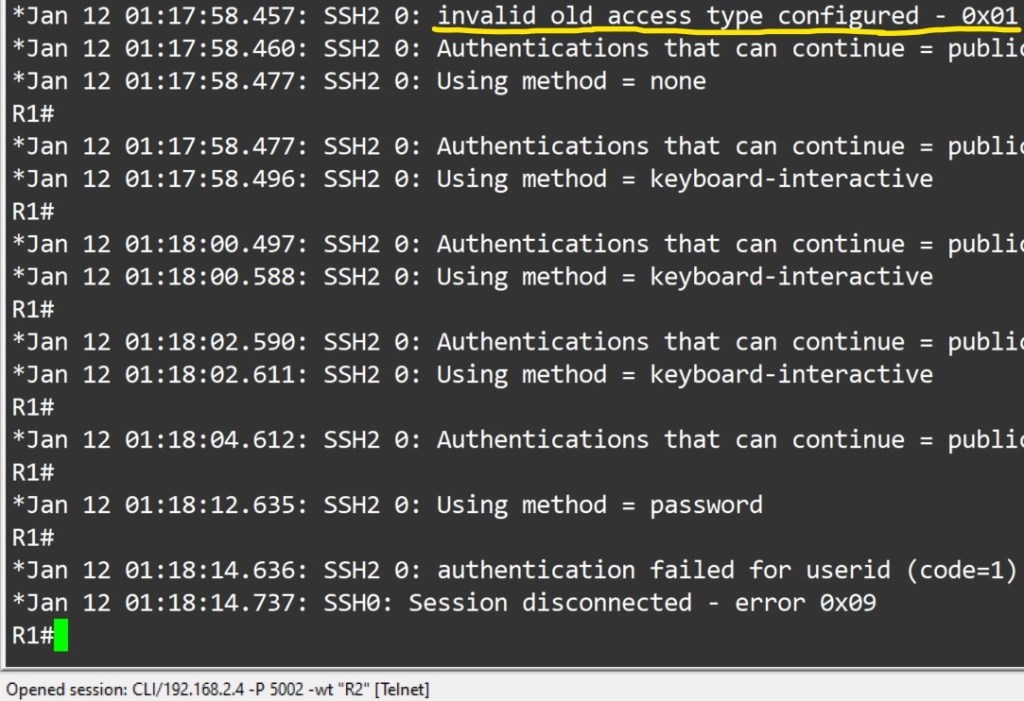
SSH
Used for secure device access, as well as file transfer.
Prerequisites:
Must configure hostname.
Must have username and password configured.
Must have domain name configured on device. Used in key generation.
Must have keys generated for secure connection
Must enable transport support on vty lines.
Router#ssh -l <username> -c <cipher> -m <hmac algorithm> -v <version> -p <port>
Login local or AAA configured on vty lines ( AAA by default applies login local to vty lines.)

File Transfer
To copy files to/from your cisco device you would use the copy command.
Router#copy <source> <destination>
TFTP
Trivial file transfer protocol is a simplified version of ftp. It does not require authentication, no encryption is supported. tftp should only be used int your private network, not on any outside facing interfaces. A path is configured, devices can be pointed to it by your DHCP server if needed. They are extremely easy to setup. Files can be transferred with either the copy command or snmp. Successful transfer are displayed with a ! .
As far as Cisco device’s support as a tftp server, it is limited. It can only serve files for download. You cannot use this feature to upload files into the serving router’s local flash.
Router#snmp *set* {v1|v2c} <address> <community? [retries <n>] [timeout <seconds>] oid <object identifier> { integer | string | counter | gauge | ip-address} <value>
Router(config)#tftp-server <file path> <Access_list>
Router(config)#ip tftp source-interface < desired interface>


SCP
Prerequisites:
SSH enabled – scp utilizes ssh to securely transfer files
AAA new-model
AAA authentication and authorization properly configured
ip scp server enable


HTTP(S)
HTTP and HTTP can be used to copy files to/from remote server. HTTP uses TCP port 80 unencrypted, HTTPS uses TCP port 443 encrypted. The HTTP copy operation can use the embedded HTTPS client for HTTP Secure transfers, providing secure and authenticated file transfers within the context of a public key infrastructure (PKI).

FTP
FTP is a file transfer protocol, it has a secure version called sFTP. There are a plethora of servers available to deploy. On the client side we just need to present the server address, username and password.

MPP
Management plane policing is used to restrict on which interface, as well as which protocol packets the router will accept. It reduces the amount of ACLs needed for management traffic control. MPP silently drops packets and does not forward them to the cpu.
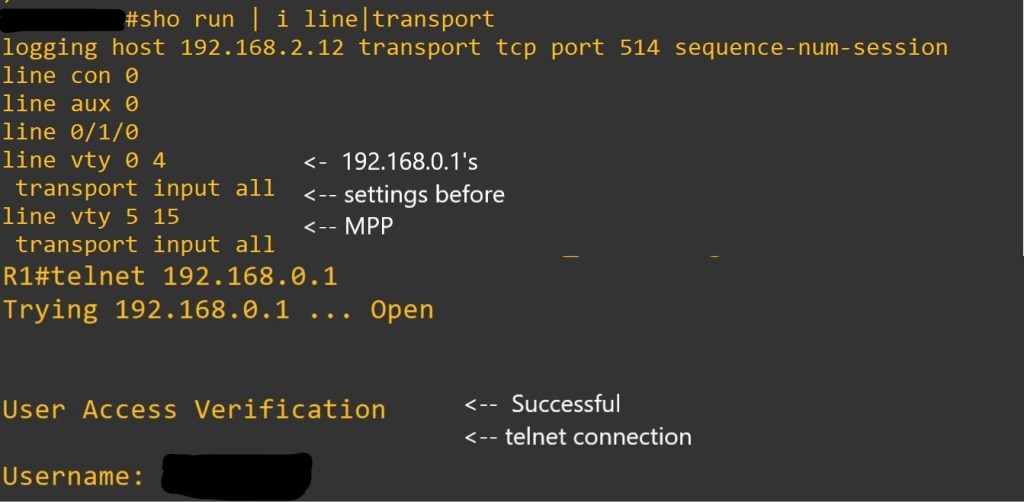

As always thank you for your time. Links will be at the bottom for your pursuit.
Links:
https://www.cisco.com/c/en/us/support/docs/security-vpn/secure-shell-ssh/4145-ssh.html
https://www.cisco.com/c/en/us/support/docs/ip/simple-network-management-protocol-snmp/7910-11-7910.html?referring_site=bodynav
https://community.cisco.com/t5/security-documents/guide-to-better-ssh-security/ta-p/3133344
https://www.cisco.com/c/en/us/td/docs/ios/security/configuration/guide/sec_mgmt_plane_prot.html
https://www.cisco.com/c/en/us/support/docs/security-vpn/secure-shell-ssh/4145-ssh.html
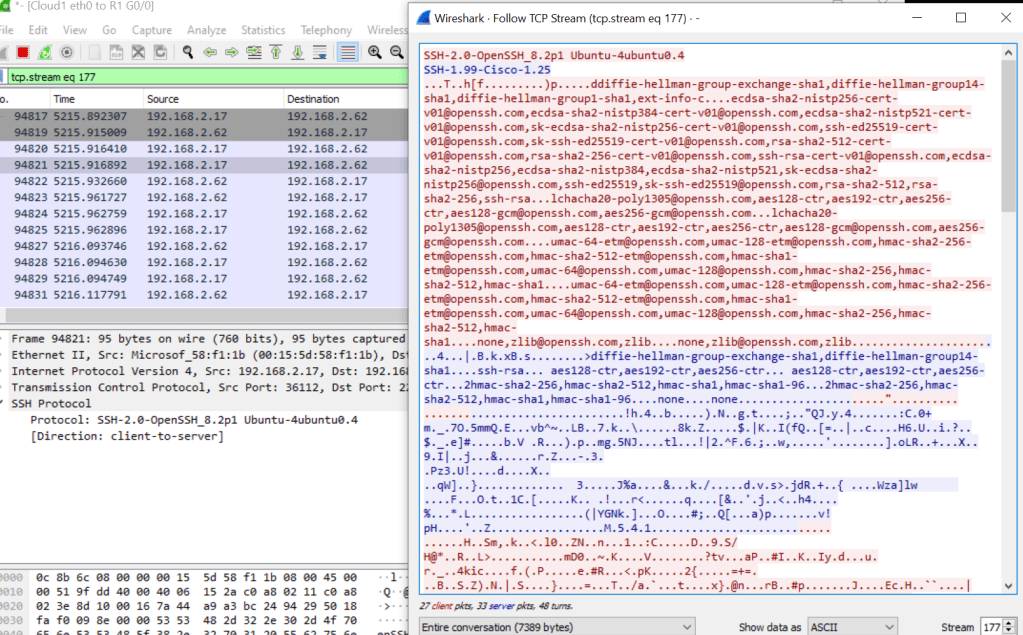
Linux ssh/scp to Cisco
sudo vi /etc/ssh/ssh_config
KexAlgorithms diffie-hellman-group-exchange-sha1,diffie-hellman-group14-sha1,diffie-hellman-group1-sha1
Ciphers aes128-cbc,3des-cbc,aes192-cbc,aes256-cbc
add to file for scp/ssh to cisco devices

 Tech-Lee Blog